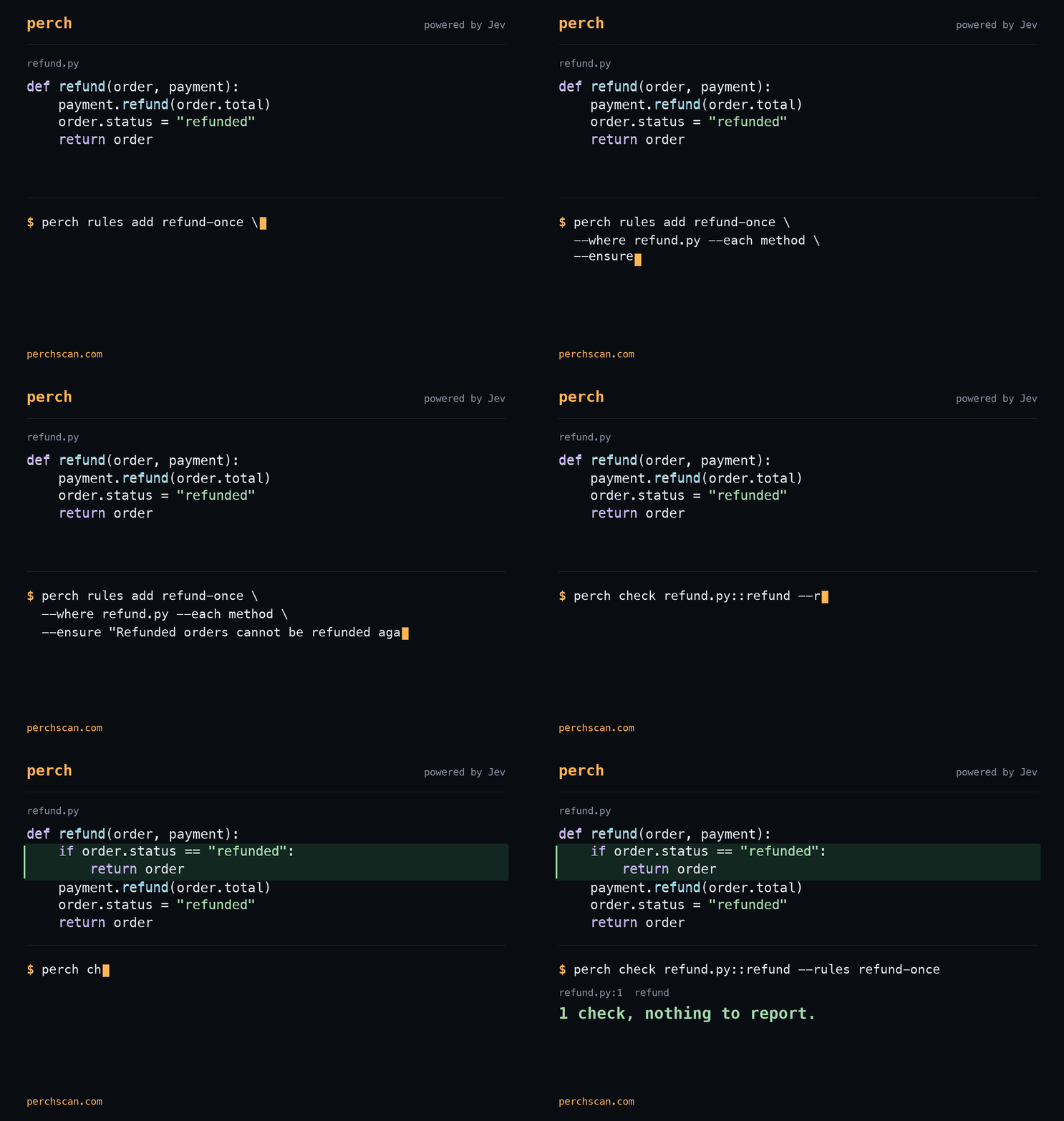
The requirement is saved: “Refunded orders cannot be refunded again.” Perch flags the unguarded function at 80% confidence, then passes the fix. The next edit can be checked against the same rule. Commands and results.
Give the agent a check to run
An agent can follow an instruction in one edit and miss it in the next. Save recurring requirements in perch.yaml, then include the check command in the agent’s instructions.
- name: refund-once
  where: refund.py
  each: method
  ensure: Refunded orders cannot be refunded again.
The agent runs this after changing the function:
$ perch check refund.py::refund --rules refund-once
refund.py:1  refund
1 check, 1 broken.

  Confidence  Rule         Description
         80%  refund-once  Refunded orders cannot be refunded again.
The check reads uncommitted code. An exit code of 3 means there is a finding to inspect; after fixing the guard, the same command returned 1 check, nothing to report. The refund example includes both versions of the function.
What Jev checks
Perch is a semantic linter powered by TypeSafe Jev. It asks whether code satisfies a requirement and keeps the model’s confidence with the result.
For a method, Perch sends its source and available related functions. Imports and the call graph supply context for questions such as whether an error reaches its caller or a refund happens before its guard. Built-in defect and security questions can share a request with your project rules.
Jev returns typed answers: probabilities, categories, and severity scores. Perch turns them into findings you can filter, inspect, or use to fail a CI run. The scan reference covers the request format and context limits.
Check the agent’s documentation too
A file rule can check headings, command examples, or comments. Keep it specific: judge the first six headings, for example, rather than asking whether a long page is “good.”
Our documentation example flags “Getting started on your journey” and passes after it becomes “Installation.” The same workflow applies to code: write the requirement, check the edit, and inspect the result.
Model variability
A fresh request can produce a different judgment about unchanged code. perch scan reuses answers when the code, context, questions, and model configuration are unchanged. perch check asks again.
Try a rule on a known violation and a corrected version. If it scores both alike, change the rule. Keep regression tests for the behavior you can execute; model confidence is not proof of correctness.
Set up your agent
Follow the quick start, then install the instructions for your assistant:
perch setup codexClaude Code, Cursor, and pi are also supported. The agent setup guide lists their commands. Perch sends the relevant source to TypeSafe for analysis and saves scan findings locally.