Perch is a semantic linter powered by TypeSafe Jev. It finds likely bugs and security issues, and checks project rules written in plain English. Run it from your terminal, your coding agent, or CI.
Rules for your codebase
A project requirement can be as specific as “an order already refunded cannot be refunded again.” Put it in perch.yaml:
- name: refund-once
  where: refund.py
  each: method
  ensure: Refunded orders cannot be refunded again.
Check the function while you edit it:
perch check refund.py::refund --rules refund-onceThe refund demo shows the actual failure, the guard that fixes it, and the passing check. Other rules can require endpoint authorization, reject incomplete CRM updates, or check the documentation your agent writes.
Scan an existing project
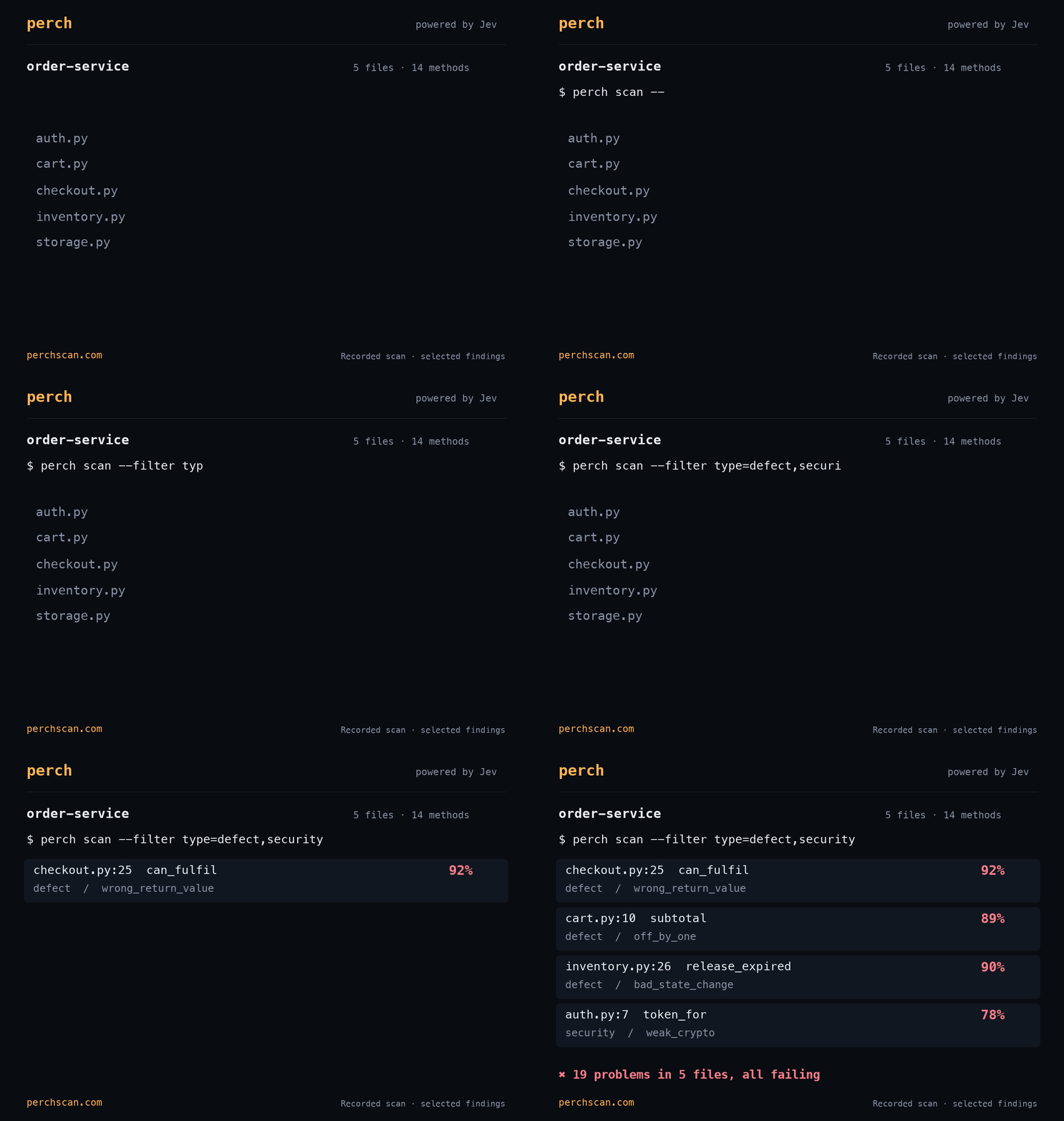
perch scanPerch parses tracked code, builds a call graph, and asks Jev about each method. Findings include the file, method, issue type, and model confidence. Use perch issues to inspect them or perch check to recheck an edit.
The demo above uses a small order service with deliberately planted bugs. Its September 20 scan read 14 methods and returned 19 findings, including an off-by-one error and weak crypto. The GIF highlights selected results; the full output includes the remaining findings. Scores can vary between fresh requests.
Check an agent’s edits
Have the agent run Perch after changing code or docs. It can inspect a finding and correct the edit before committing. Put the same rules in CI to check later changes.
Documentation rules are a useful starting point: a repeated correction about vague headings or filler becomes a check the agent can run.
Try Perch
npm install -g @lakeday/perchThe quick start covers setup and the first scan. Perch is open source on GitHub. Browse the examples for refund rules, API permissions, CRM workflows, and documentation checks.