Modern LLMs can build a complete landing page in seconds, which still blows my mind when I think about where these tools were two years ago. But their designs have tells. Certain choices show up again and again, and getting an agent to drop them can be a constant battle. A few I keep seeing:
- tiny claims above the real headline
- numbered sections that read like a slide deck
- copy with no meaning
- harsh gradients
- three feature cards in a row
- fake testimonials
- random colors outside the brand
This time, while building a landing page for Perch, a semantic code linter powered by Jev, I decided to try Perch on its own page and write rules for the design choices I kept fighting. I fed Codex the Perch repo and docs, asked for a landing page, and got this on the first pass:
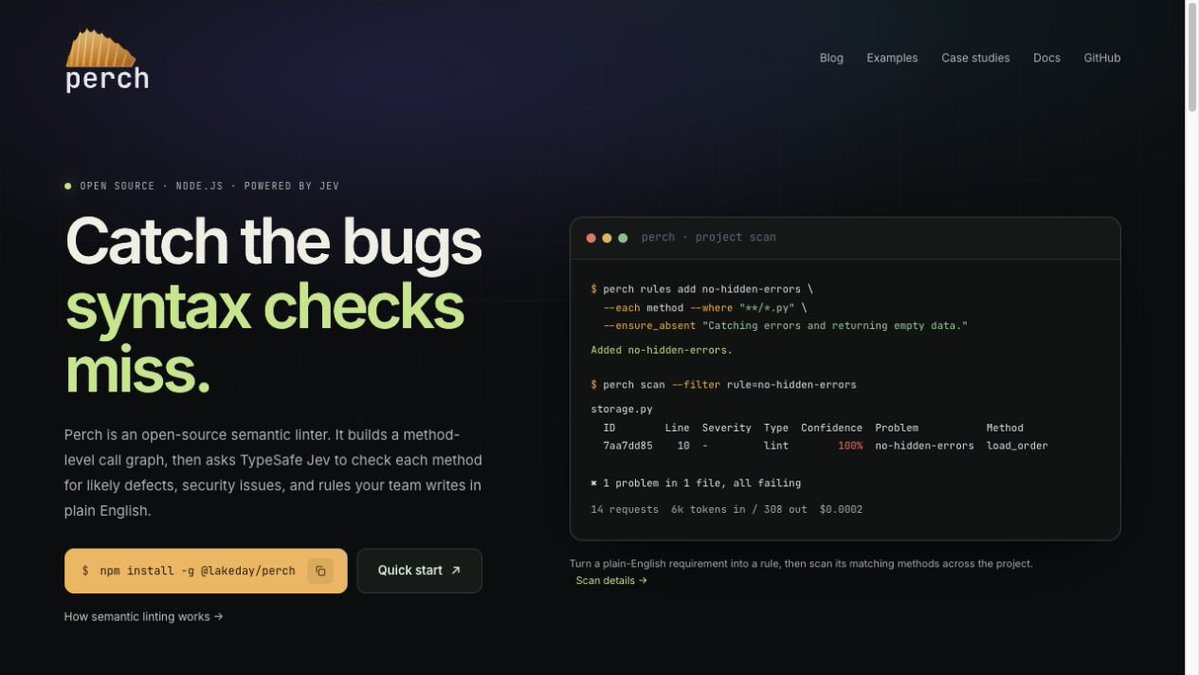
The first draft: a tiny strip of claims sits above the headline.
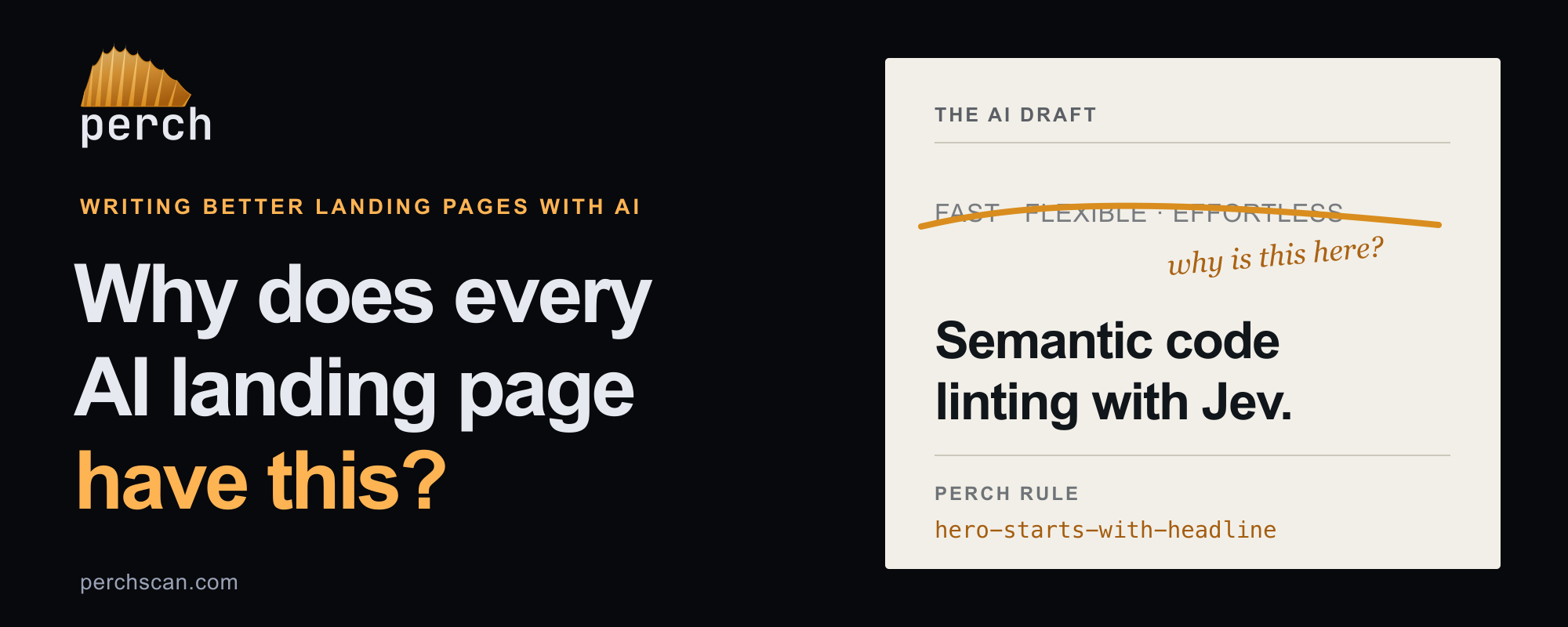
I really don’t understand why there’s always a little strip of bullet-separated claims above the hero headline. I asked Codex to remove it, but it only removed the bullets and kept the text. I was tired of going back and forth with the agent, so I wrote a Perch rule:
- name: hero-starts-with-headline
  where: "site/pages/index.astro"
  ensure: >-
    The hero starts with its headline. No eyebrow, badge, tagline, or summary
    line appears above it.
Now you can use the Perch agent skill to have your agent write and verify rules, but I wanted to check this one myself:
$ perch check site/pages/index.astro --rules hero-starts-with-headline
site/pages/index.astro:1
1 check, 1 broken.

  Confidence  Rule                       Description
         92%  hero-starts-with-headline  The hero starts with its headline. No eyebrow, badge, tagline, or
                                         summary line appears above it.

1 request  6k tokens in / 26 out  $0.0002

$ perch check site/pages/index.astro --rules hero-starts-with-headline
site/pages/index.astro:1
1 check, nothing to report.
1 request  6k tokens in / 26 out  $0.0002
Under the hood, Perch reads the page source and asks Jev whether the rule is broken. The first draft came back at 92% confidence. Once I removed the stray text, there was nothing to report. And the cost? $0.0002 for the check. On to the second draft:
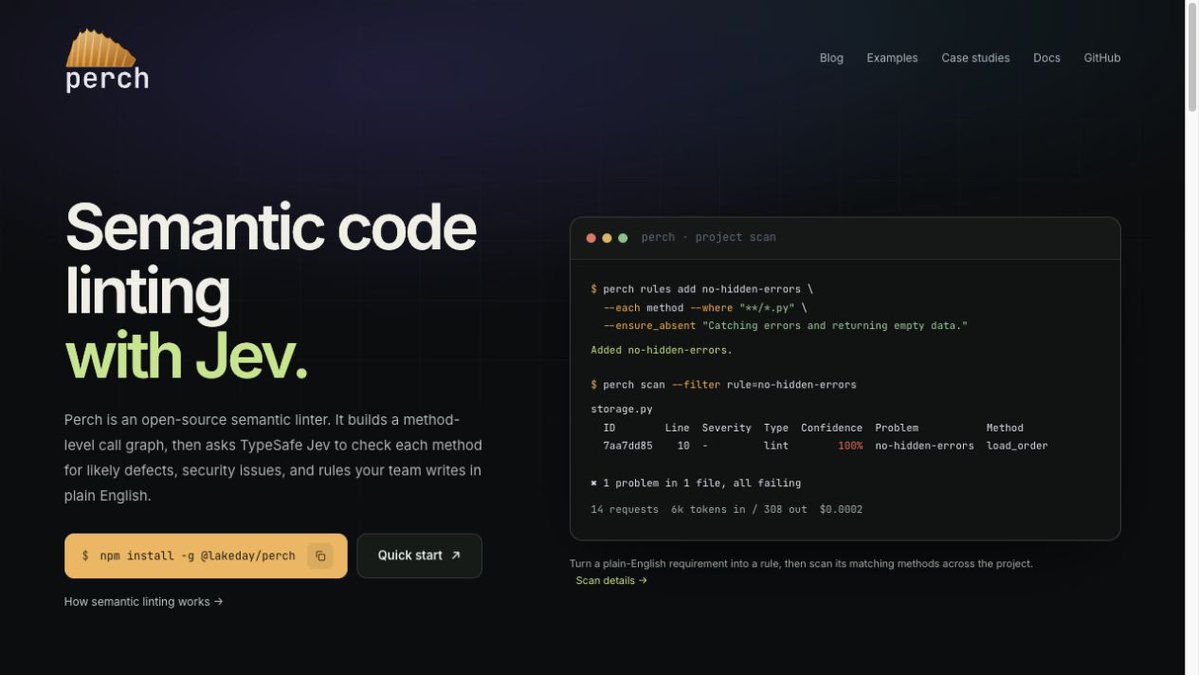
After the fix: the headline comes first.
The hero was fixed. Then I scrolled down and found my next grievance:
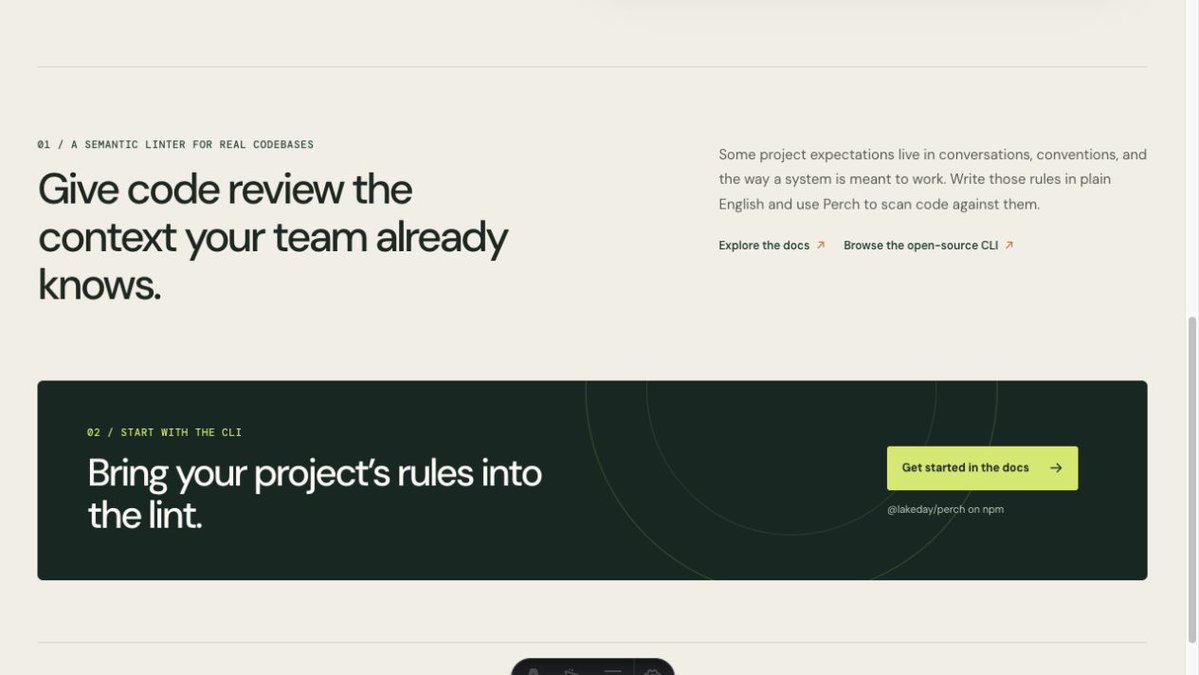
Further down: ordinary product sections dressed up as “01” and “02.”
“01 /” before one section, “02 /” before the next. Are we building a PowerPoint slide? So I wrote a second rule for decorative numbers on section labels.
- name: sections-are-not-numbered
  where: "site/pages/index.astro"
  ensure: >-
    Product section labels do not begin with decorative sequence numbers.
Checking the rule again gave me a similar result from Jev:
$ perch check site/pages/index.astro --rules sections-are-not-numbered
site/pages/index.astro:1
1 check, 1 broken.

  Confidence  Rule                       Description
         83%  sections-are-not-numbered  Product section labels do not begin with decorative sequence
                                         numbers.

1 request  6k tokens in / 26 out  $0.0002

$ perch check site/pages/index.astro --rules sections-are-not-numbered
site/pages/index.astro:1
1 check, nothing to report.
At this point I decided to put a few more of my grievances in perch.yaml. “Catch the bugs syntax checks miss” sounds fine, but if a developer is looking into Jev, that headline gives them nothing to go on. So I added a rule to put “semantic linting” and “Jev” in the title and hero, and another to make the first product sections show an actual rule, command, result, or demo. And that green accent? It had been there since the first draft. Where did Codex get it? It wasn’t in Perch’s palette, so I added a rule for the colors too:
- name: landing-names-semantic-linting-and-jev
  where: "site/pages/index.astro"
  ensure: >-
    The page title and hero headline both describe Perch as semantic linting
    with Jev.

- name: landing-section-proof-is-specific
  where: "site/pages/index.astro"
  ensure: >-
    The first two product sections each show a real rule, command and result,
    or product demo that supports the section's claim.

- name: landing-brand-accents-follow-palette
  where: "src/assets/landing.css"
  ensure: >-
    Read only the hero and first two product sections. Headline emphasis and
    primary calls to action use the shared amber --accent token or neutral
    text colors. Introducing a green, purple, or other unrelated brand accent
    for those elements breaks this rule. Colors that communicate scan status,
    highlight code, or identify a third-party provider are outside this check.
I let Codex take another pass at the page with those rules in place:
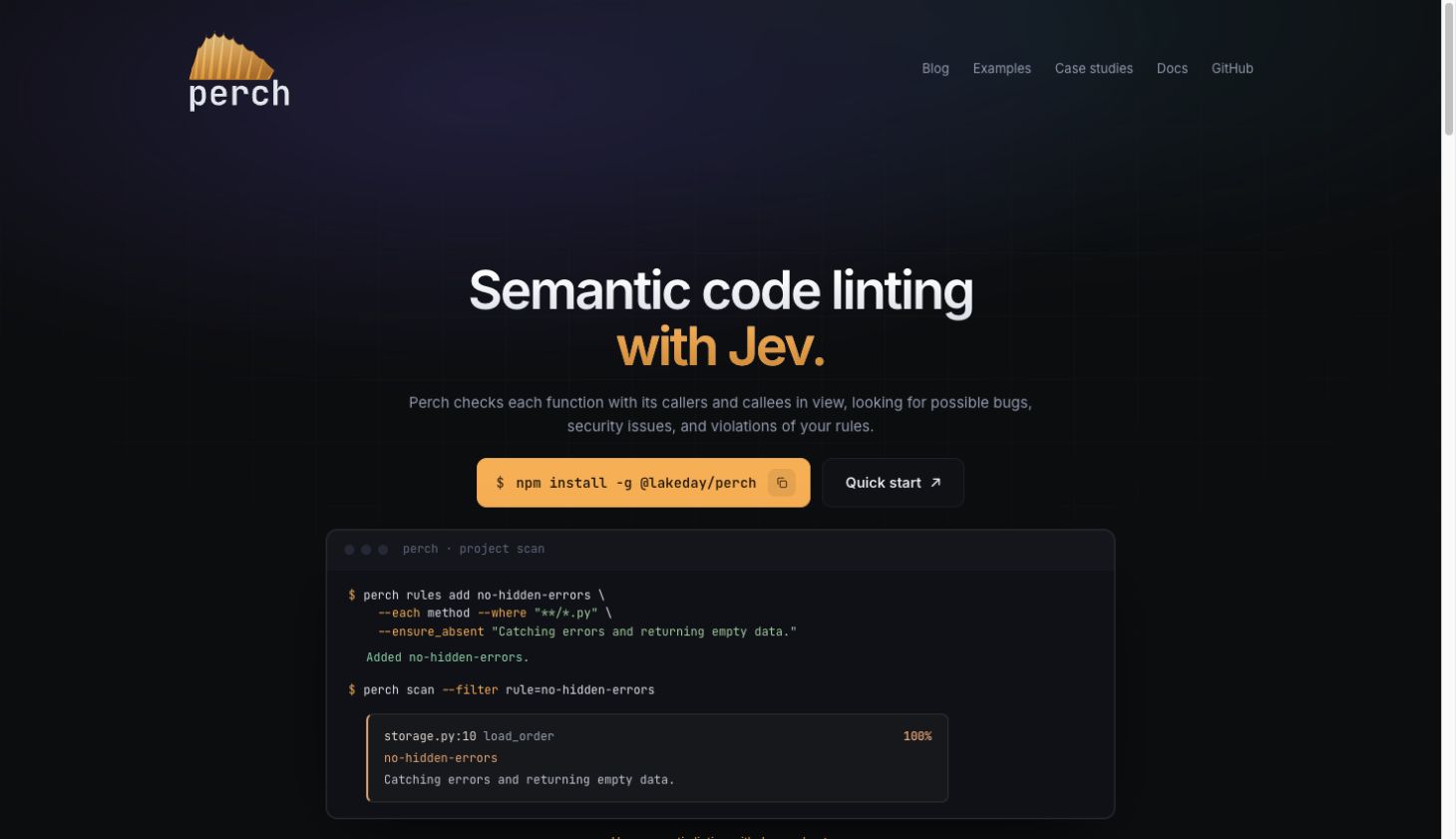
The page after that pass with the rules.
The page still isn’t perfect, and I’m by no means a designer. But at least now I don’t have to explain the same gripes to Codex again. Take a look at perchscan.com and tell me what you’d turn into a rule next. If Perch helps you avoid one of those back-and-forths, give it a star on GitHub.